
Models
Image and video models, what each one supports, and where they show up in the app.
A "model" in Cubric is more than a safetensors file. Each model ships with structural context describing the operations it can run, so the UI only exposes what the model can actually do.
Model install state
The Models panel can show a model as partially installed when some required files are present and others are missing. A partially installed model is visible, but Cubric Vision will only enable operations once the files needed for that operation are installed.
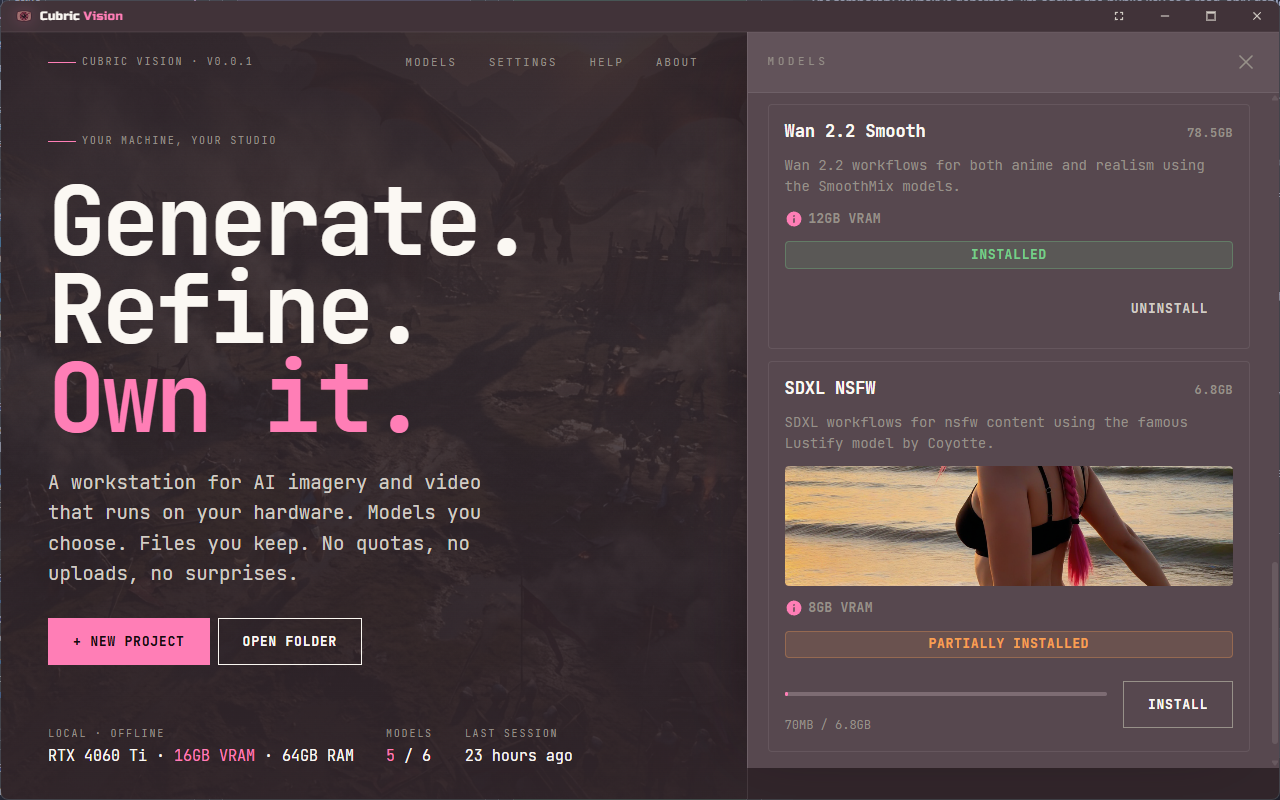
Image models
Image models support operations documented in Image Tools:
- Text-to-image (T2I). Base generation.
- Image-to-image (I2I). Restyling, recomposing.
- Detailer / masking. Faces, hands, and masked region edits.
- Upscale. Latent upscales for resolution.
Video models
Video models add temporal-consistency operations documented in Video Tools:
- Text-to-video (T2V). Base generation from a prompt.
- Image-to-video (I2V). Animate a static base.